
Compatibility
Minecraft: Java Edition
Platforms
Supported environments


Tags
Creators
Details
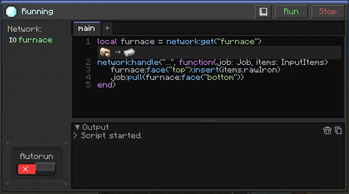
Scripting Terminal interface
Using the scripting terminal you can interact with devices and cards in your network to create complex behavior and automated systems
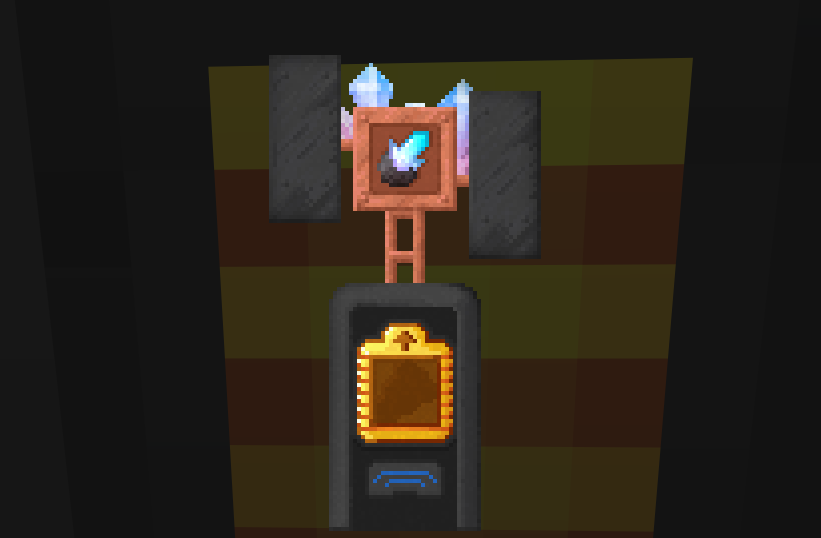
Link Crystal in Broadcast Antenna
Link networks together using link crystals which can be tuned with Broadcast Antennas in their GUI
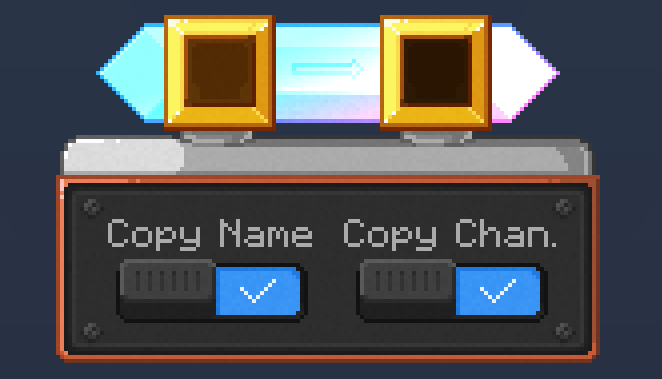
Card Programmer
Copy settings easily in bulk with the Card Programmer where you add a template card on the left and any card on the right gets its settings copied
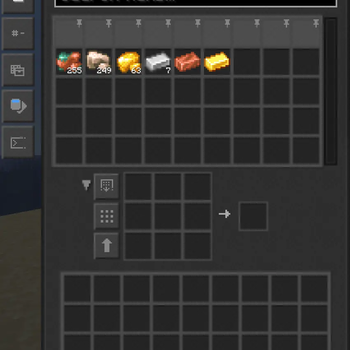
Inventory Terminal
View and interact with your network's storage by using the Inventory Terminal or its handheld variant
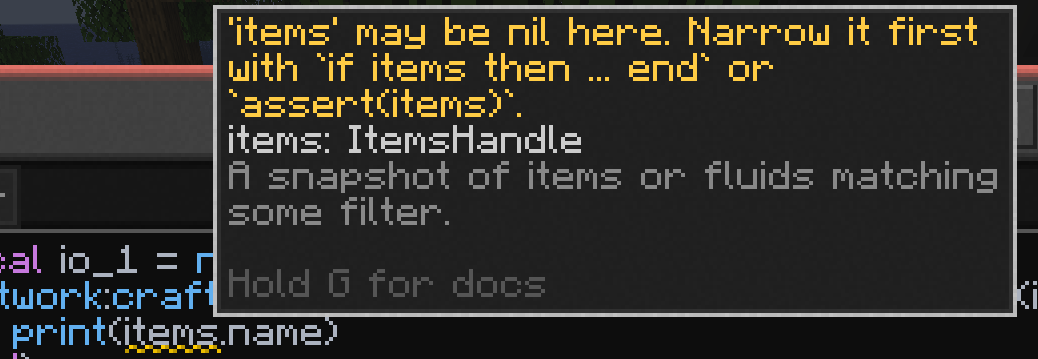
Inline diagnostics
Get real time feedback while you're typing with autocompletion and inline diagnostics to warn you before even running the script
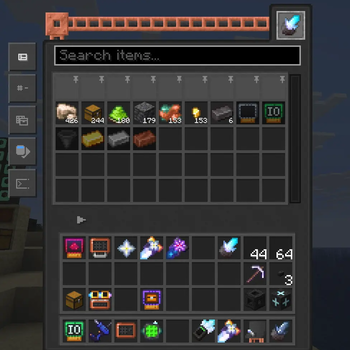
Inventory Terminals
View and interact with your network's storage by using the Inventory Terminal or its handheld variant
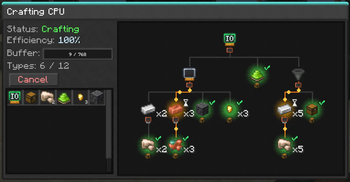
Crafting Trees
Get a live view of your crafting CPUs crafting as well as preview a craft using the diagnostic tool to get a graphical overview of how an item is crafted in your network.
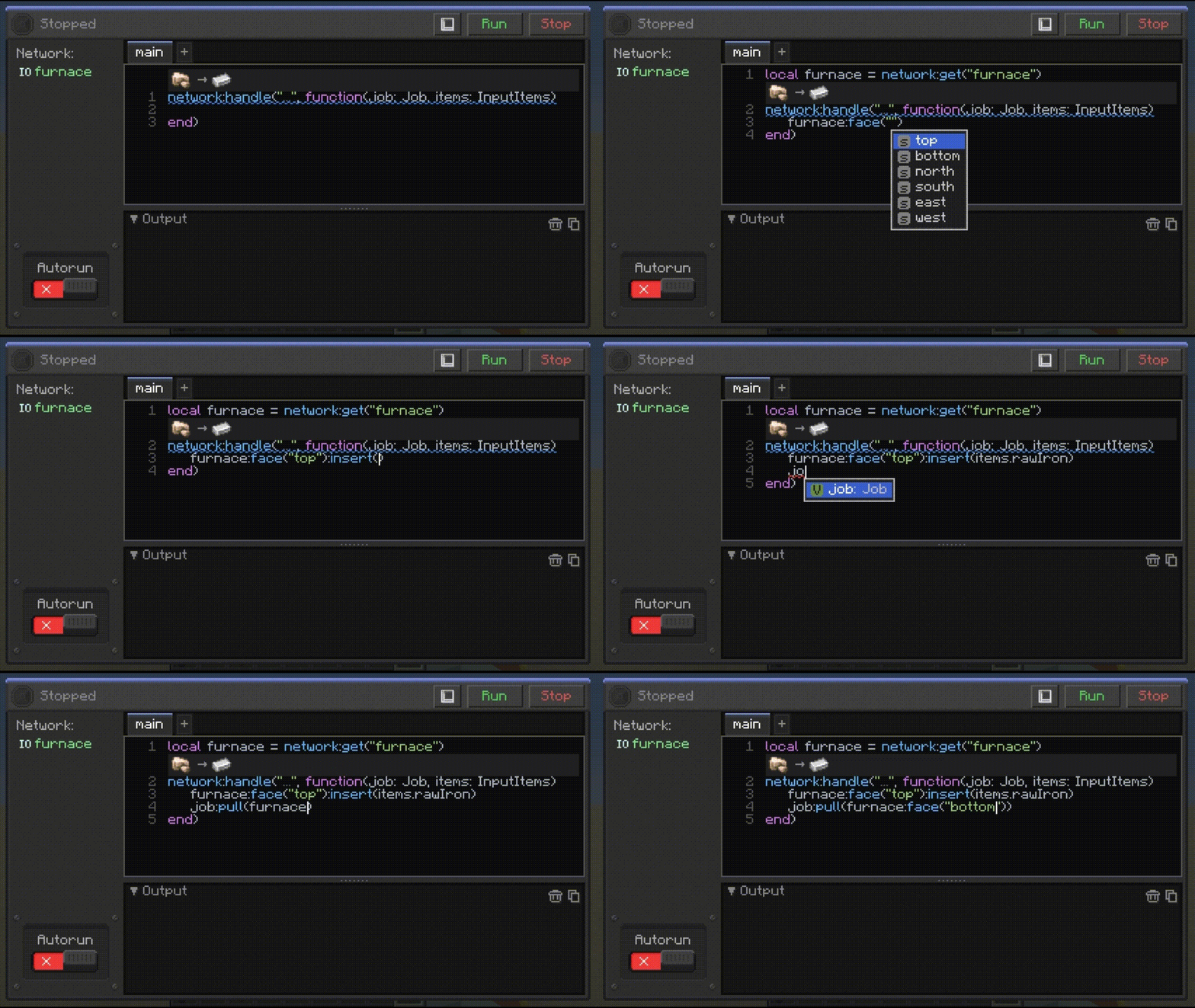
Autocompletion
Real time autocompletion so you don't have to remember every little thing
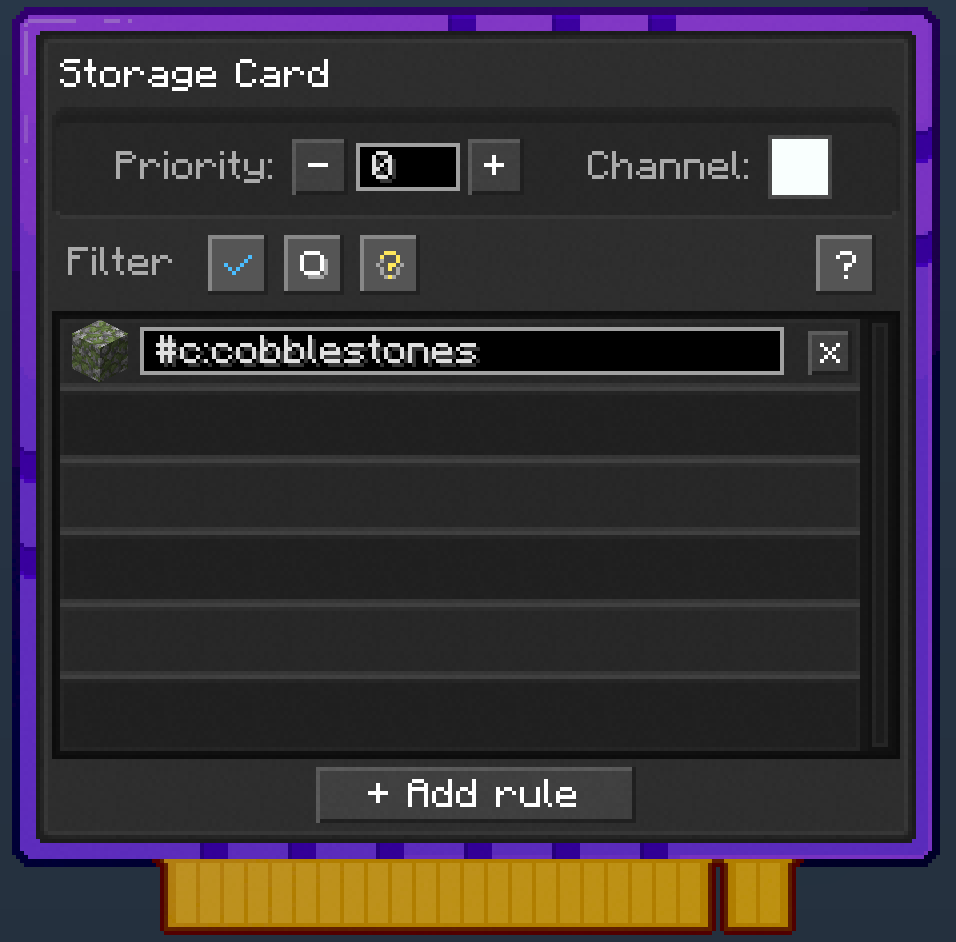
Item Filtering
Storage Cards can be used to filter items in your Network. You can filter by NBT Data, Stackables, Tags, Item IDs, and Regular Expressions
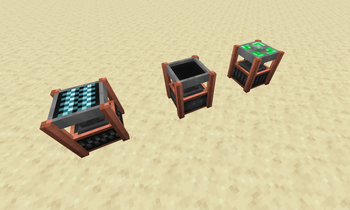
Breakers, Placers, and Users
You can create devices such as the Breaker, Placer, and User to interact with the world and create automated systems
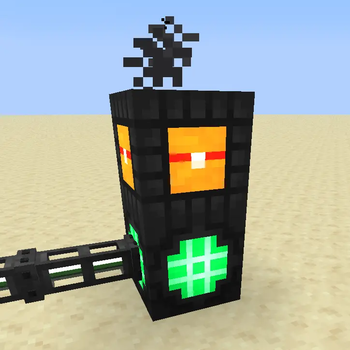
Visual Feedback
See Overheating elements of your Crafting CPU with smoke particles and red tinted components
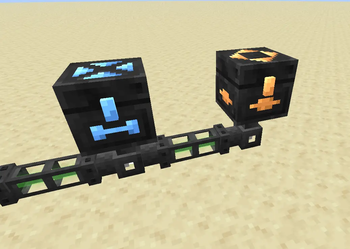
Import and Export Chests
You can use import and export chests to push and pull items to/from Network Storage as well as bridge gaps between different networks
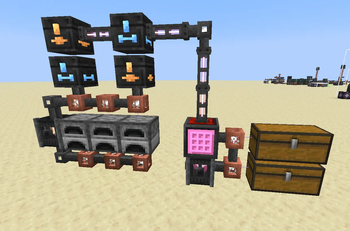
Auto Smelting Item Flow
Create flows for items to be imported and exported automatically to be processed by other networks using Import and Export Chests
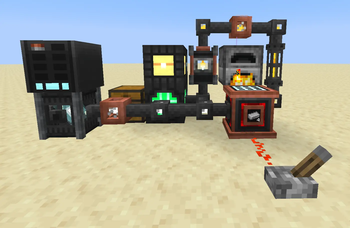
Craft Requester
request batch of items to be crafted given a redstone signal
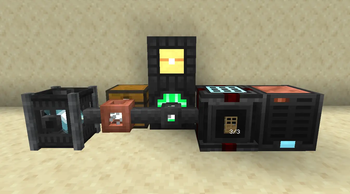
Storage Meters
Use storage meters to track how many of an item is in your network and autocraft it back to the configured threshold. It also emits a redstone signal when below the target threshold in case you want to delegate the work to a Craft Requester on a subnet